



[vc_row][vc_column][vc_text_separator title=”Featured Post”][/vc_column][/vc_row][vc_row][vc_column][vc_masonry_grid post_type=”post” max_items=”1″ element_width=”12″ initial_loading_animation=”none” grid_id=”vc_gid:1658324374615-a02c214f-fcae-2″ taxonomies=”61″][/vc_column][/vc_row][vc_row][vc_column][vc_separator color=”custom” accent_color=”#474747″][/vc_column][/vc_row][vc_row][vc_column][vc_column_text] Spectral Force & the 7DAC Team [/vc_column_text][/vc_column][/vc_row][vc_row][vc_column][vc_separator color=”custom” accent_color=”#474747″][/vc_column][/vc_row][vc_row p_bottom=”50″][vc_column width=”1/2″][vc_raw_html]JTNDYSUyMGNsYXNzJTNEJTIydHdpdHRlci10aW1lbGluZSUyMiUyMGRhdGEtaGVpZ2h0JTNEJTIyNTAwJTIyJTIwZGF0YS10aGVtZSUzRCUyMmRhcmslMjIlMjBocmVmJTNEJTIyaHR0cHMlM0ElMkYlMkZ0d2l0dGVyLmNvbSUyRjdEYXlzdG9EaWUlM0ZyZWZfc3JjJTNEdHdzcmMlMjU1RXRmdyUyMiUzRVR3ZWV0cyUyMGJ5JTIwN0RheXN0b0RpZSUzQyUyRmElM0UlMjAlM0NzY3JpcHQlMjBhc3luYyUyMHNyYyUzRCUyMmh0dHBzJTNBJTJGJTJGcGxhdGZvcm0udHdpdHRlci5jb20lMkZ3aWRnZXRzLmpzJTIyJTIwY2hhcnNldCUzRCUyMnV0Zi04JTIyJTNFJTNDJTJGc2NyaXB0JTNF[/vc_raw_html][/vc_column][vc_column width=”1/2″][vc_single_image image=”8″ img_size=”full” alignment=”center” css_animation=”fadeIn”][vc_column_text] Official 7DTD Forums community.7daystodie.com Official 7DTD Website: 7daystodie.com MadMoles Dev Blog: joelhuenink.tumblr.com [/vc_column_text][/vc_column][/vc_row][vc_row][vc_column][vc_separator][/vc_column][/vc_row]
Author: Naz
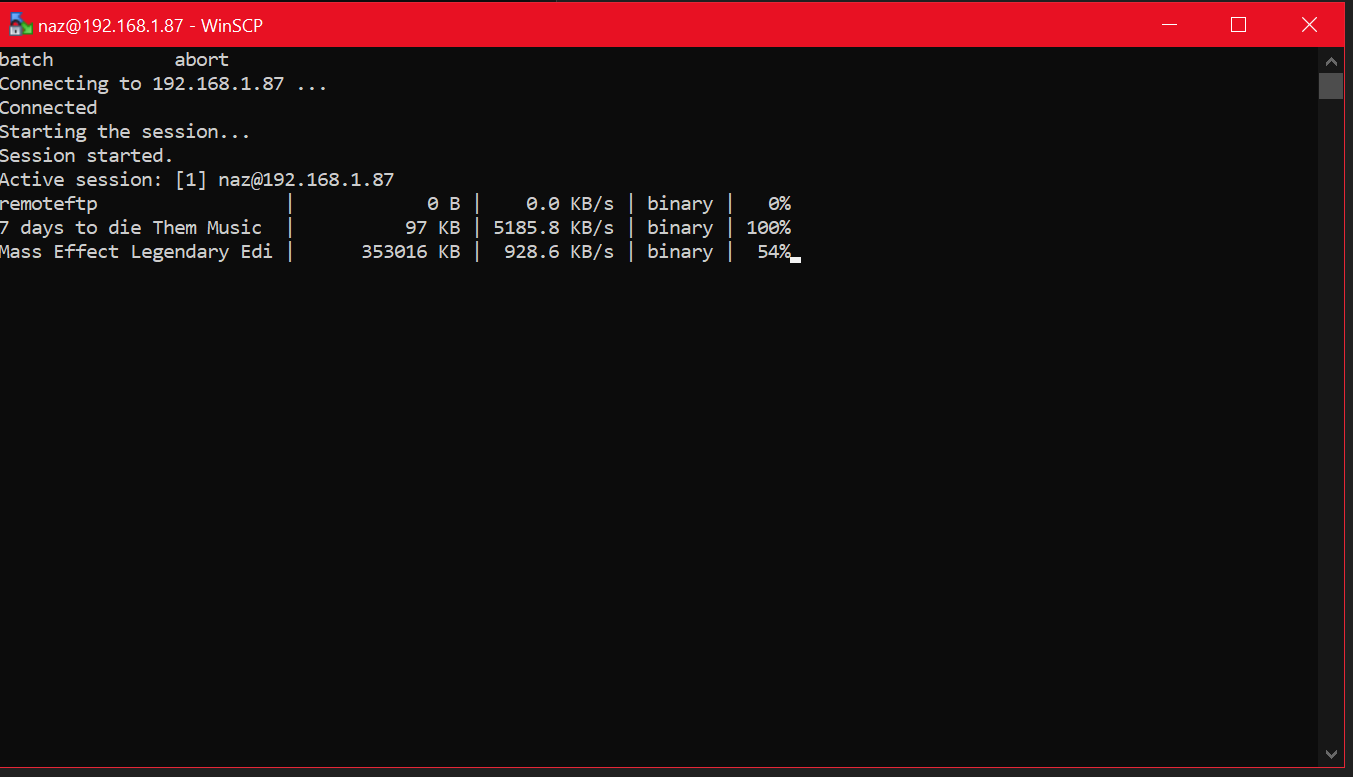
Automated FTP Backup with Winscp Guide
Winscp is a file transfer program similar to Filezilla. However it has scripting functionality we can use to set up a automated backup of a remote ftp server. Step 1 – Install WinSCP Download and install Winscp. You can find the download link Here Once installed you can enter your servers ftp details and use…
Prefab Editor: Getting Started Basics
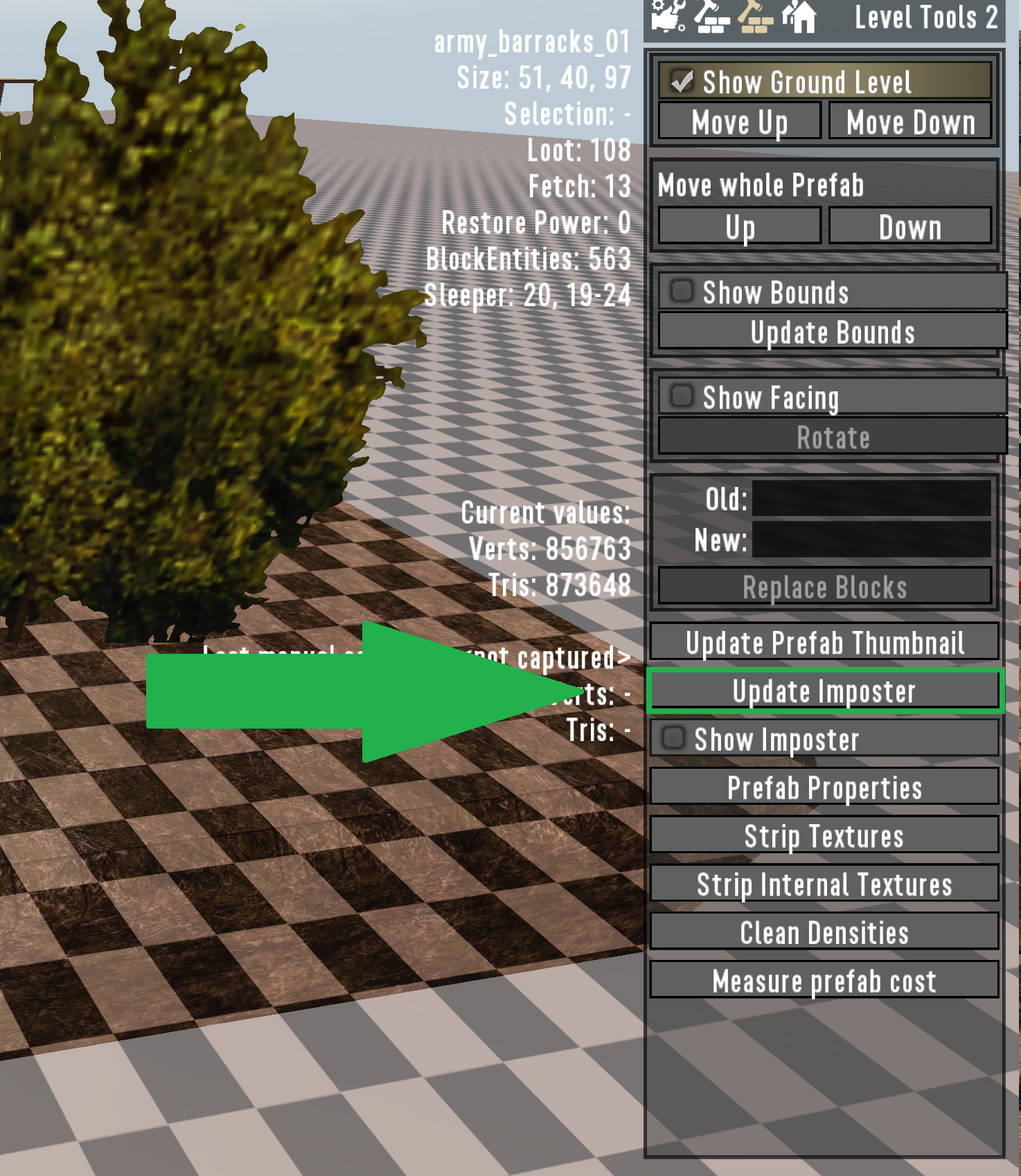
[vc_row][vc_column][vc_column_text css=”.vc_custom_1658413900607{padding-top: 0px !important;padding-right: 0px !important;padding-bottom: 0px !important;padding-left: 0px !important;}”] Before you start Prefab Size Limits The maximum height a prefab can be is 255 blocks/metres high. While there is no hard limit as far as I know on width and length (If you don’t plan on using a distant mesh or want…
Prefab Editor Overview Guide
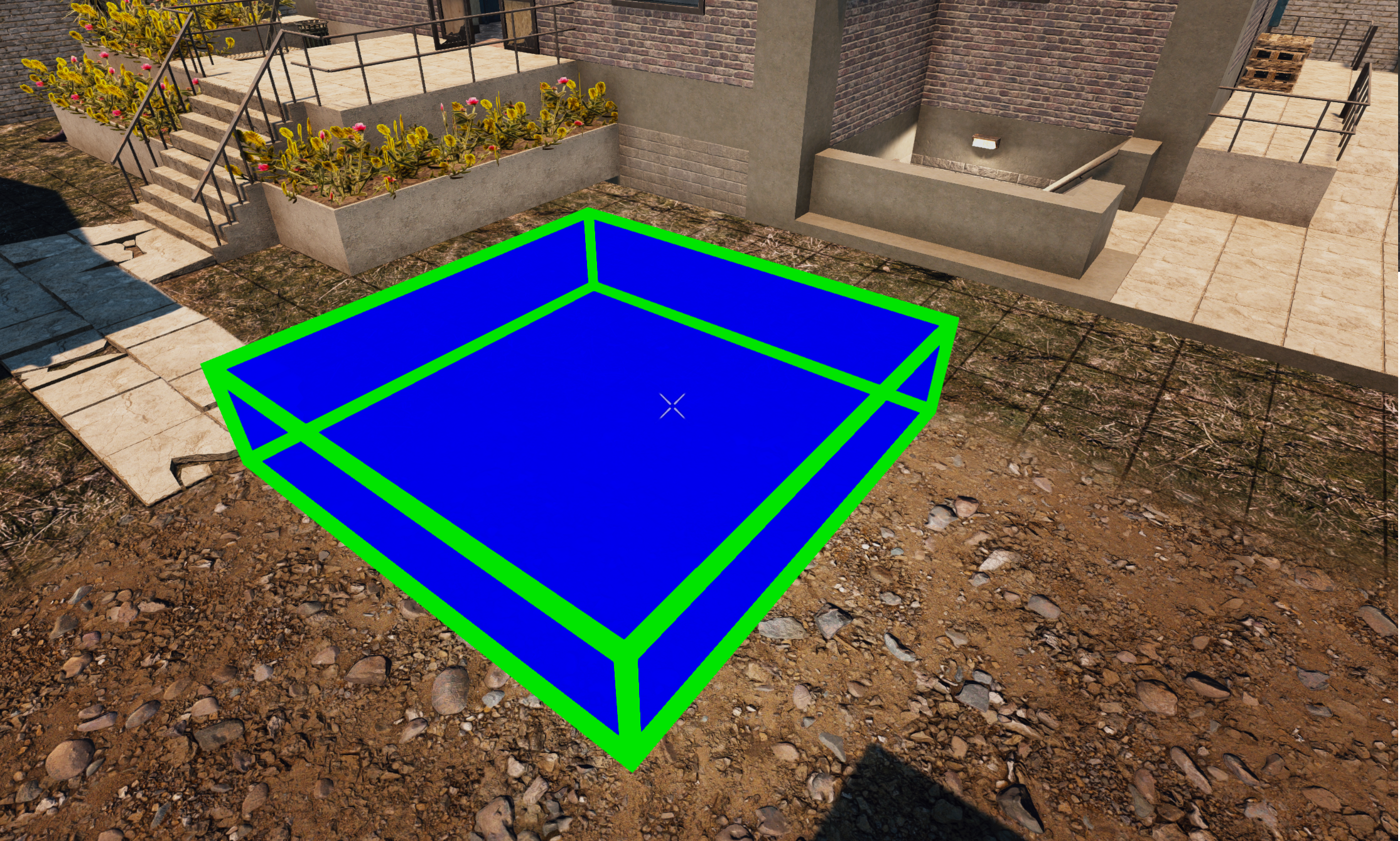
[vc_row][vc_column][vc_column_text] Keybinds Z – Place a section box, Use again to define the size. (Defining 2 opposing corners) U – Creative Menu , You can get all your blocks here. X – Rotate a selection. G – Hold to move a selection, use WASD and C for down and space for up. You can…
How to place a custom prefab in an existing world
[vc_row][vc_column][vc_column_text] To place it, make sure the servers world is installed on your local machine Then go into the world editor from the main menu and you can see how it looks before actually placing it. Press Z in the world editor a blue square will appear then press K and a tiny non…
Read More “How to place a custom prefab in an existing world” »
Resolved Issues
Naz had a ConvexMesh errorRolling back the driver on the client to the previous one seems to have fixed the issue. It is believed to have been an Nvidia Physx error. Too many open files for linux:https://7daystodie.com/forums/showthread.php?40772-SUPPORT-FAQ-Information-and-Common-Solutions&p=429948#post429948SUPPORT FAQ: Information and Common Solutions Possible Bloodmoon/Horde night fixes:1. Disable UNET in serverconfig. Set Bloodmoon to day 6….
Newb FAQ Collection
-Default Server Game Port: 26900 -Default Web Control Port: 8080 -Default Telnet Port: 8081 -Default Server Files Self Hosted: C:\Program Files (x86)\Steam\steamapps\common\7 Days to Die Dedicated Server -Default Web Map Port: Web Control port + 2 -Default Server Files Self Hosted: C:\Program Files (x86)\Steam\steamapps\common\7 Days to Die Dedicated Server -Default Server Saves Self Hosted: C:\Users\YOURUSERNAME\AppData\Roaming\7DaysToDie…